


Equipment for detecting limestone, high-calcium limestone, calcite, and calcium carbonate.
Other Products


Equipment for Detecting Limestone, High-Calcium Stone, Calcite, and Calcium Carbonate Equipment for Detecting Limestone, High-Calcium Stone, Calcite, and Calcium Carbonate Hebi Biaochuang Instrument Manufacturing Co., Ltd.
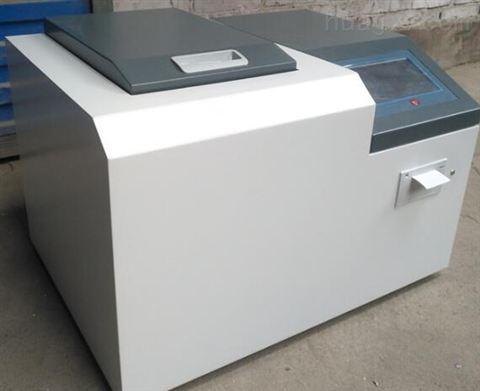
1. Startup Interface: Click (3) System Settings, enter the password to proceed;
1. Start by pressing (3) System Settings → Enter the password six 1s (111111) to enter the calibration program;
2. Press (1) Clear Data to ensure previous data does not affect this calibration;
3. Press (2) Measure Calibration Sample, pull the slider out completely, place the *** calibration sample, then push the slider back completely; Press (1) Start, the instrument begins a countdown. After the countdown ends, the buzzer emits a continuous "beep beep beep..." sound, and the display shows "(Please pull out the slider)". At this point, pull the slider out completely, the prompt on the screen disappears, the sound automatically stops, and the instrument begins measuring the reference sample automatically. The countdown is displayed in the middle of the screen. After it ends, press (0) to return. Repeat this process for the second sample: push the slider in, press 1 to start, pull the slider out after the countdown ends, wait for completion, then place the third sample.
After all calibration samples are measured, press 0 to return, press 3 and then 1 to view the CaO count data; send the image to the company's technical staff for guidance on the next steps. If the calibration sample count increases with content, the next step requires inputting the chemical content.
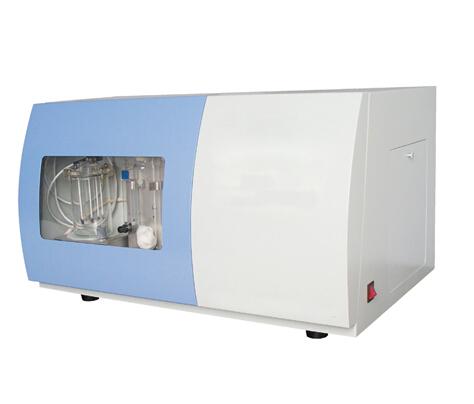
4. Input Chemical Content: Enter the calibration data content from low to high. This is for calculating the K and b values in the next step;
5. Calculate K and b Values: After inputting the chemical content, proceed to calculate the K and b values; Press 0 to return to the calibration interface →
Press 5 to calculate K and b values → Press the calculated K and b values → 1. Enter the working curve sequence number 1 and press Enter
Prompt: Press 2 to select the K and b value calculation item → Then press 1 for CaO → Press 0 to return → 3 K and b value calculation;
| Industry Category | Chemicals/Inorganic Salts/Other Inorganic Salts |
|---|---|
| Product Category | |
| Brand: | 标创仪器 |
| Spec: | YTML-9000 |
| Stock: | 22 |
| Manufacturer: | 鹤壁标创仪器仪表制造有限公司 |
| Origin: | 114106 |


