


CNC Lathe VR Training System
Contact Info
- Add:Room 1005, Unit 1, Building 6, No. 1 Beiqing Road, Zip:
- Contact: 程
- Tel:18911279241
- Email:cdf000@qq.com
Other Products


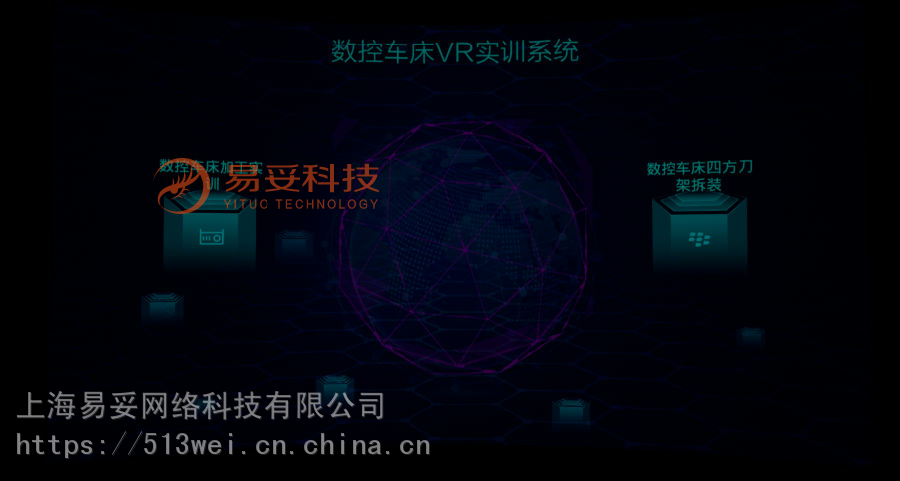
The CNC lathe VR training system includes CNC lathe machining training, four-way tool post disassembly and assembly training, and more. Students can engage in virtual training in an immersive VR environment, ensuring their safety during practice while achieving results consistent with actual training.
I. VR Operation Methods
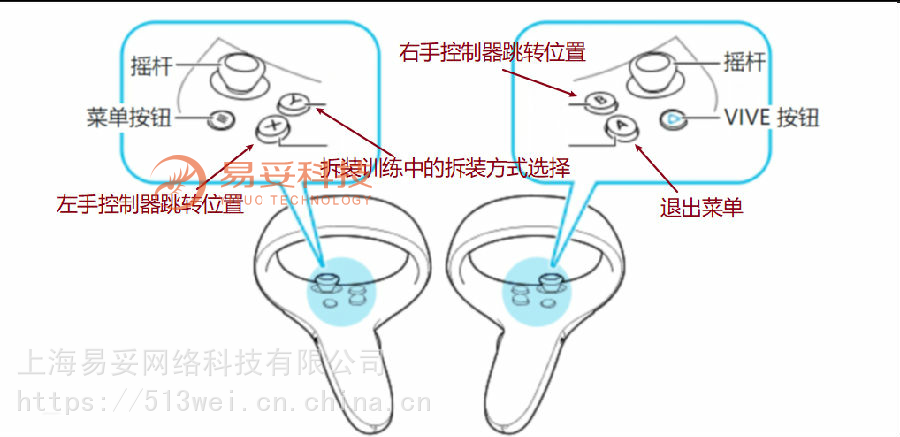
1. Controller Button Instructions

II. Operation Process
1. Main Menu
The main menu page is divided into two experience modules. After selection, users can enter the corresponding scene for experience.
After entering the scene, follow the prompts to operate.
2. Training Workshop Display
After entering the rig site display, users can freely roam and observe the scene.

3. CNC Lathe Machining Training
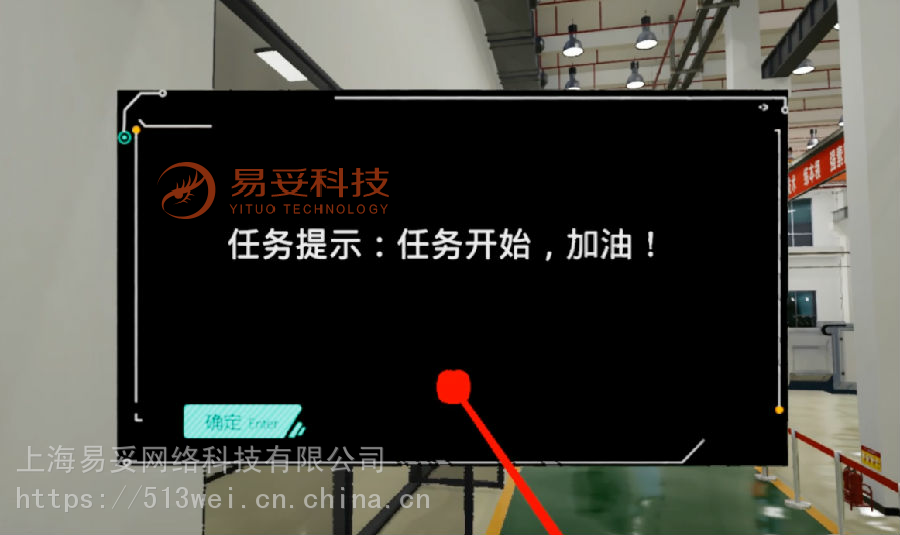
After entering the training workshop, text prompts will appear.
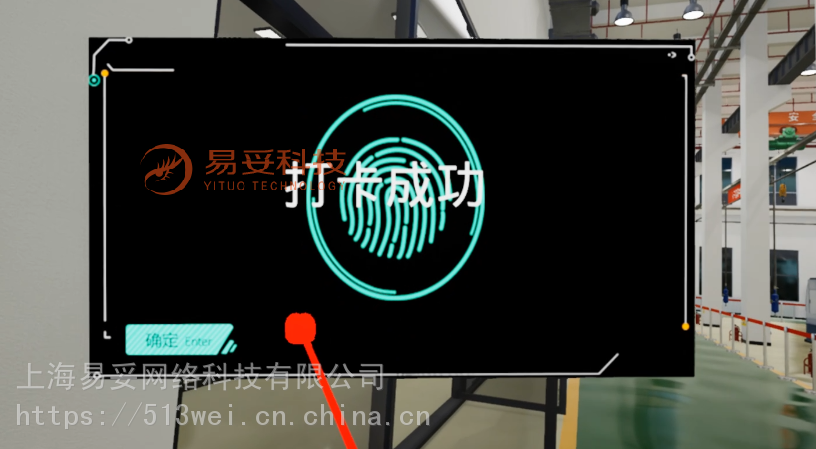
Then proceed to the time clock to punch in.
4. Locker Room
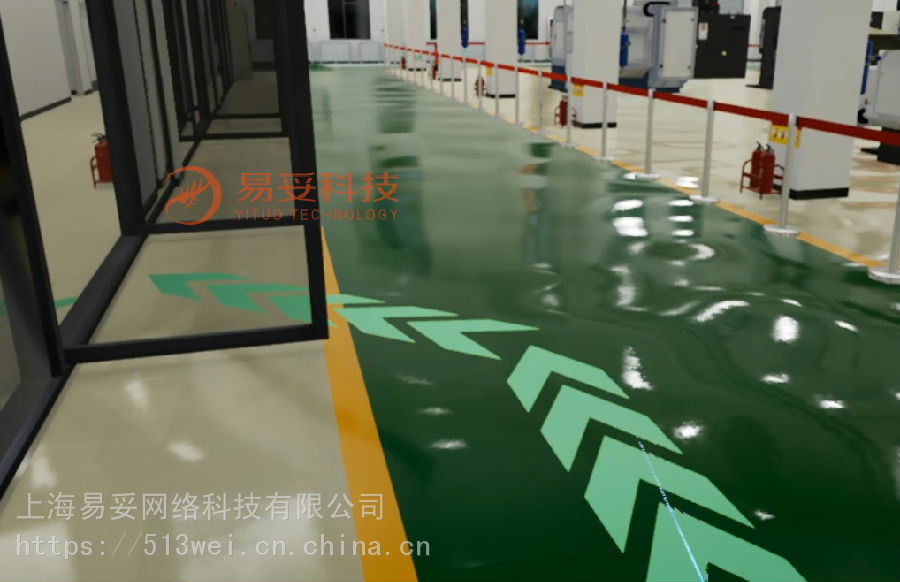
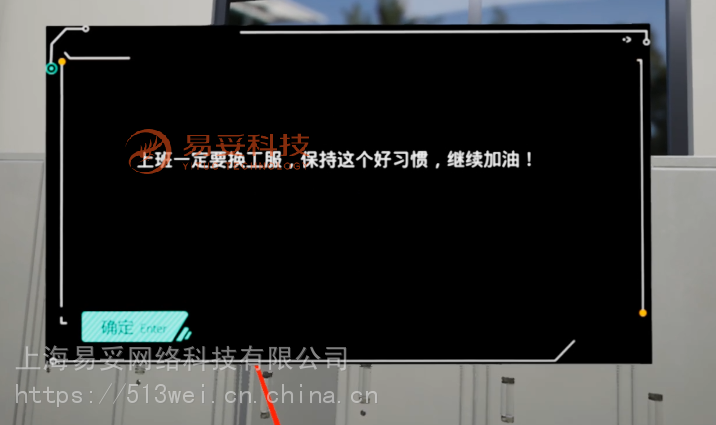
Follow the arrow path guidance to jump to the locker room and change clothes.

5. Dispatch Room
Follow the arrow path guidance to the dispatch room to receive tasks, such as simple step turning on a conventional lathe.


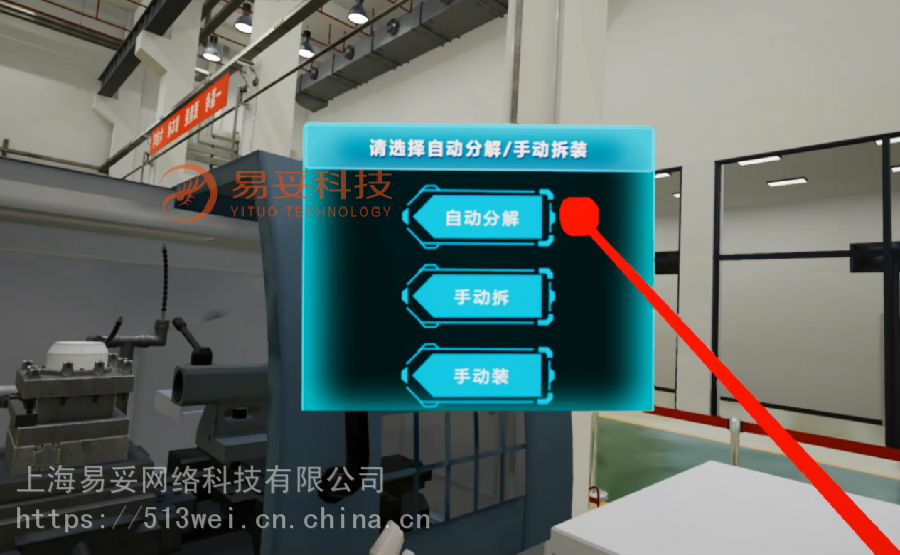
After selecting "Auto Disassembly," click on the objects next to the table to perform automatic disassembly.
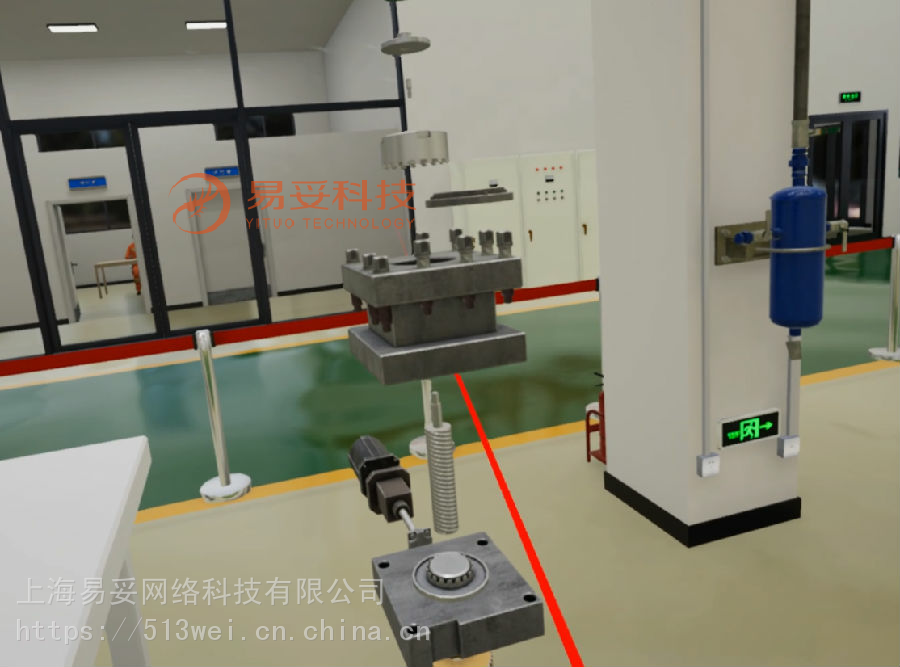
8. Manual Disassembly of the Four-Way Automatic Indexing Tool Post
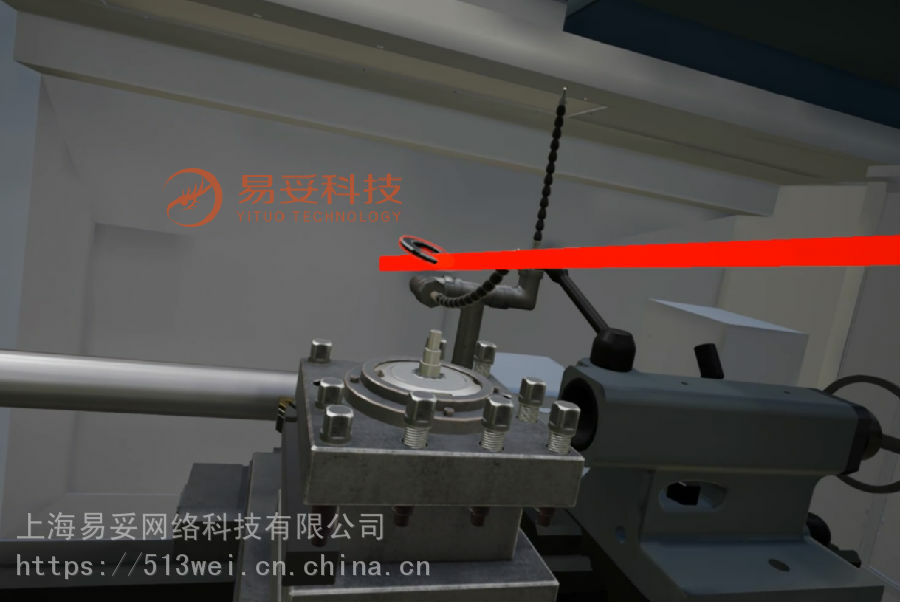
After entering manual disassembly, users interact with highlighted objects by grabbing them with the controller.

When disassembly begins, corresponding prompts will appear.
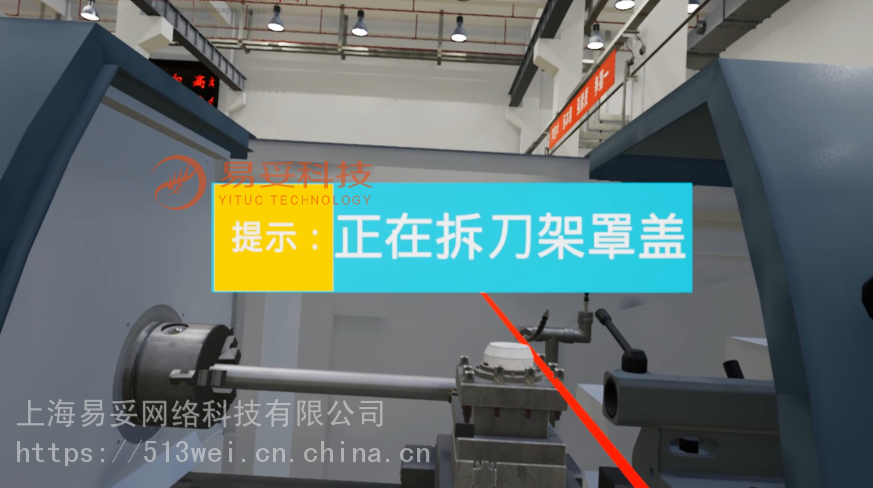
Next, the objects to be disassembled will be highlighted.
Pull the right trigger to release the object and place it on the table.
If a part is not placed in the correct position, a system error prompt will appear.
Use the controller to grab, drag, and drop parts for interaction.
9. Manual Assembly of the Four-Way Automatic Indexing Tool Post
After entering manual assembly, users interact with highlighted objects by grabbing them with the controller.
Grab the highlighted objects to perform interactive tasks.
Hold the part to the designated position, and the system will automatically correct and install it.
| Industry Category | Machinery & Equipment/Machine Tools/CNC Machine Tools |
|---|---|
| Product Category | |
| Brand: | 易妥软件 |
| Spec: | |
| Stock: | 100 |
| Origin: | 111114 |


